
Understanding HEIC vs JPG: Which Format Should You Choose?
Introduction to HEIC and JPG
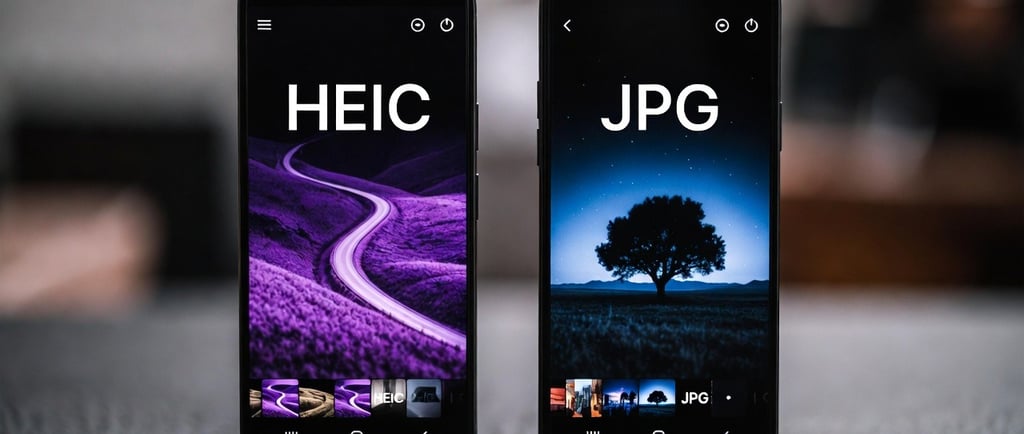
When it comes to digital images, two file formats dominate: HEIC and JPG. Each of these formats has its unique advantages and disadvantages, particularly in terms of file size and quality. Understanding the specific characteristics of HEIC and JPG can help you make an informed decision about which one to use for your needs.
Comparing File Size and Quality
HEIC, which stands for High Efficiency Image Coding, is a format that allows for higher compression rates compared to JPG, resulting in smaller file sizes without significantly sacrificing quality. This superior compression makes HEIC an ideal choice for iPhone users, as it allows them to store more images on their devices while maintaining high-resolution quality.
On the other hand, JPG (or JPEG), stands for Joint Photographic Experts Group and is widely recognized and used across various devices and platforms. While JPG files tend to be larger than HEIC files, they are universally compatible with virtually all software and devices, ensuring that users can easily view their images without any issues. However, the quality of a JPG can degrade over time due to repeated saving across multiple generations, causing a lack of sharpness and detail.
Usability Considerations for Sharing and Storage
While HEIC is optimal for storing images on an iPhone, users can encounter problems when sharing photos with those using Windows devices or when attempting to upload to certain websites. Many software programs do not support HEIC, which can result in compatibility issues when trying to open or share these files. Consequently, converting HEIC images to JPG formats becomes necessary to ensure that they can be viewed and shared without any trouble.
This complexity can be resolved easily with a user-friendly solution. For instance, Pixelshift.pictures is a free online tool that allows users to convert HEIC files to JPG instantly, directly in their web browsers without the need to upload images to a server. This ensures that your images remain private and secure during the conversion process.
In summary, while HEIC is excellent for maintaining image quality and saving space on your iPhone, the JPG format is better suited for a wider range of applications, particularly in environments where compatibility is key. The choice between using HEIC or JPG ultimately comes down to your specific needs—whether you prioritize storage efficiency or universal accessibility.
So which should you use? HEIC is great for keeping photos on your iPhone but JPG wins every time when you need to share, upload or open photos on other devices. The good news is switching between them takes seconds. Try pixelshift.pictures — free, instant and your photos never leave your device.
Contact
Questions? Reach out anytime, we’re here.
Phone
contact@pixelshift.pictures
+1-617-545-5191
© 2025. All rights reserved.